

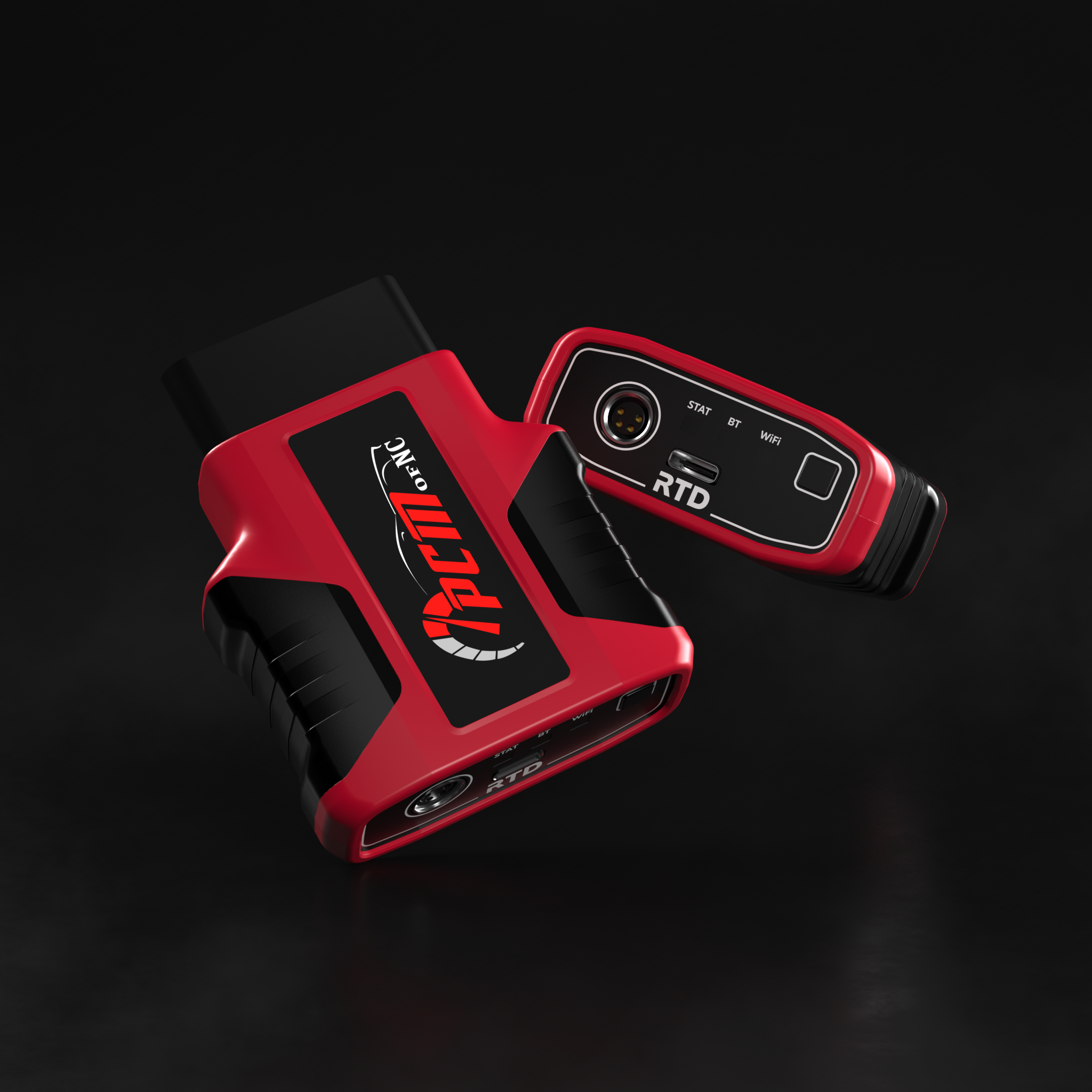

Description
HP Tuners RTD (Remote Tuning Device) is a powerful OBD2 interface that allows the user to connect with the vehicle and apply our tuning without a laptop! This makes for a very streamlined process without the hassle of extended set up or emailing attachments back and forth. After receiving RTD, follow the instructions to set it up via an app on your smartphone. Read out your control module(s), fill out an ordersheet, and we’ll get the process started. We will upload your tune to the server, which you will then flash using your phone & RTD interface. From there you can datalog and we can fine tune it remotely.
Software Credits: HP Tuners licensing is based on credits. Depending on year model, vehicles require 2-6+ credits to license. Check the vehicle list here to ensure your vehicle is supported and the number of credits required for tuning. NOTE: we do not tune all vehicles supported by HP Tuners. If you do not see a tuning listing for your vehicle, please call and ask before purchasing. Once the vehicle is licensed it can be flashed and read as many times as you like. The licensing is tied to the serial number in the ECM so you would only need to license again if you replace the ECM.
PROLINK+ Cable: This allows users to input 2x analog signals (from a wideband sensor, map sensor, boost pressure sensor etc.) and 1x CAN bus signal simultaneously. Any Gen III ECM needs this if running a wideband. Gen IV can use AEM 30-0334 wideband and skip the pro link cable.
Not sure if you should use RTD or MPVI (link)? See video & information below.
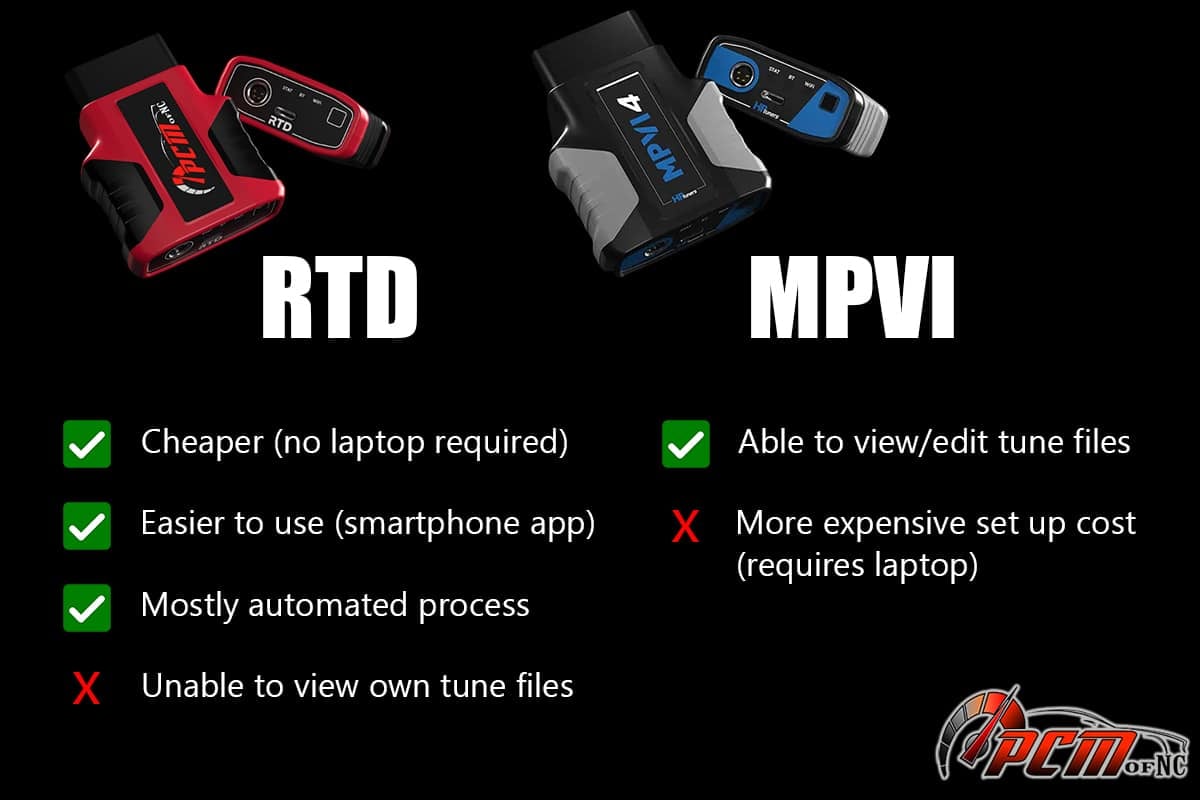
How to use RTD:


Reviews
There are no reviews yet